Training Programs

Excel Capability Building

Choose a delivery model that fits your team. Each program pairs skills assessment with targeted training.

Delivery: OnlineOn siteOffsite
6 hrs total

Microsoft Excel Foundation

Designed for beginners who need a structured path to confident, accurate Excel work.

Objectives

  • Provide participants with a foundational understanding of Excel.
  • Teach participants how to create, format, and manipulate Excel worksheets.
  • Introduce basic Excel functions and formulas.
  • Enable participants to confidently use Excel for common tasks.

Outline

  • Module 1: Introduction to Excel - Overview of Excel, interface, navigating worksheets, creating and opening workbooks.
  • Module 2: Data Entry and Formatting - Entering and editing data, formatting fonts and borders, alignment, wrapping, fill colors, and shading.
  • Module 3: Cell Functions and Formulas - Functions vs formulas, SUM, AVERAGE, COUNT, basic arithmetic formulas, relative vs absolute references.

6 hrs total

Intermediate Excel Training

A practical module for analysts and coordinators who already use Excel regularly and need stronger automation skills.

Objectives

  • Build on foundational Excel skills with stronger data analysis capability.
  • Develop confidence with advanced formulas, automation, and reporting.
  • Handle more complex spreadsheet and consolidation tasks efficiently.
  • Use Excel features that support faster analysis and clearer presentation.

Outline

  • Session 1: Excel Hacks and Techniques - Data selection strategies, Autofill and Flash Fill, Find & Replace, Named Ranges, Paste Special.
  • Session 2: Exploring Advanced Formulas and Functions - IF, AND, OR, VLOOKUP, HLOOKUP, ROUND, MOD, text functions, SUMIF, AVERAGEIF, COUNTIF, date functions, MEDIAN, RANK, LARGE.
  • Session 3: Data Consolidation and Data Tables - Subtotals and grouping, Freeze Panes, consolidating data from multiple worksheets, creating Excel tables.
6 hrs total

Advanced Excel Training

For power users and analysts who need advanced modeling, automation, and visualization capabilities.

Objectives

  • Become proficient in advanced techniques for data analysis and automation.
  • Strengthen complex modeling, advanced visualization, and business analysis skills.
  • Use advanced Excel tools for decision support and interactive reporting.
  • Introduce automation with Macros, VBA, and Power Pivot.

Outline

  • Session 1: Advanced Formulas and Functions - Array formulas, INDEX and MATCH, financial functions, ISERROR, IFERROR, XLOOKUP, VSTACK, CHOOSE, SEQUENCE, RAND, RANDBETWEEN, AGGREGATE, TRANSPOSE.
  • Session 2: Advanced PivotTables and PivotCharts - Calculated fields and items, custom measures, interactive dashboards with PivotCharts.
  • Session 3: Data Validation and Advanced Filtering Mastery - Tailored validation rules, dropdown lists, advanced sorting, advanced filtering.

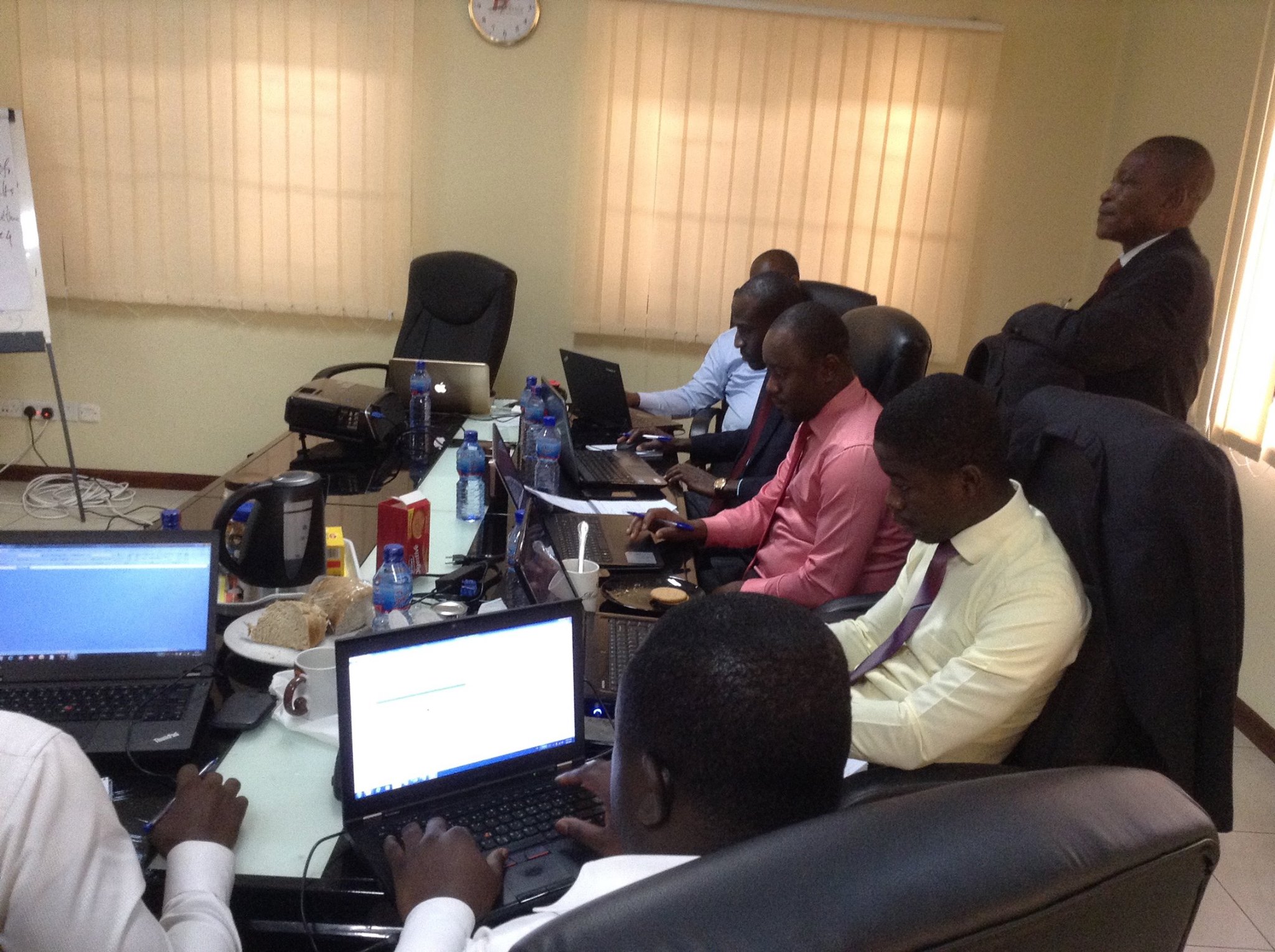
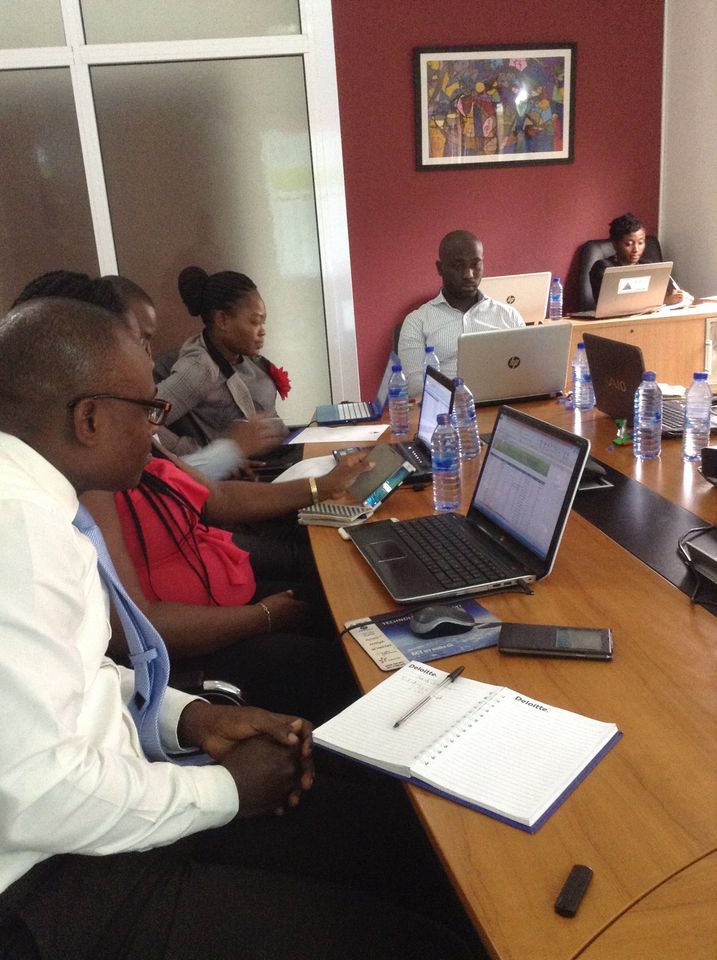
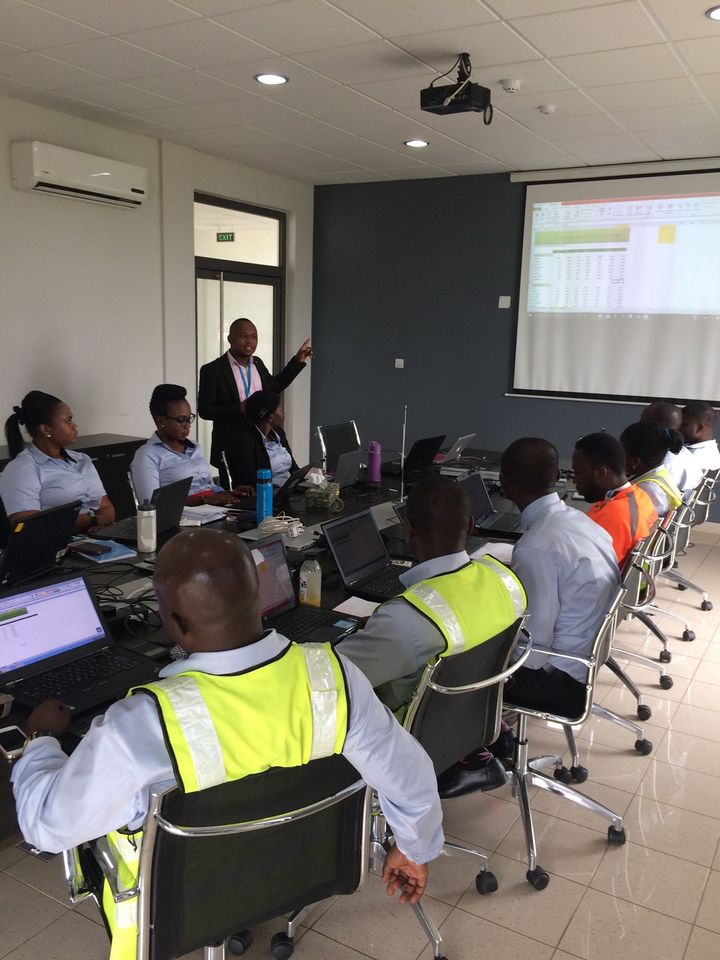
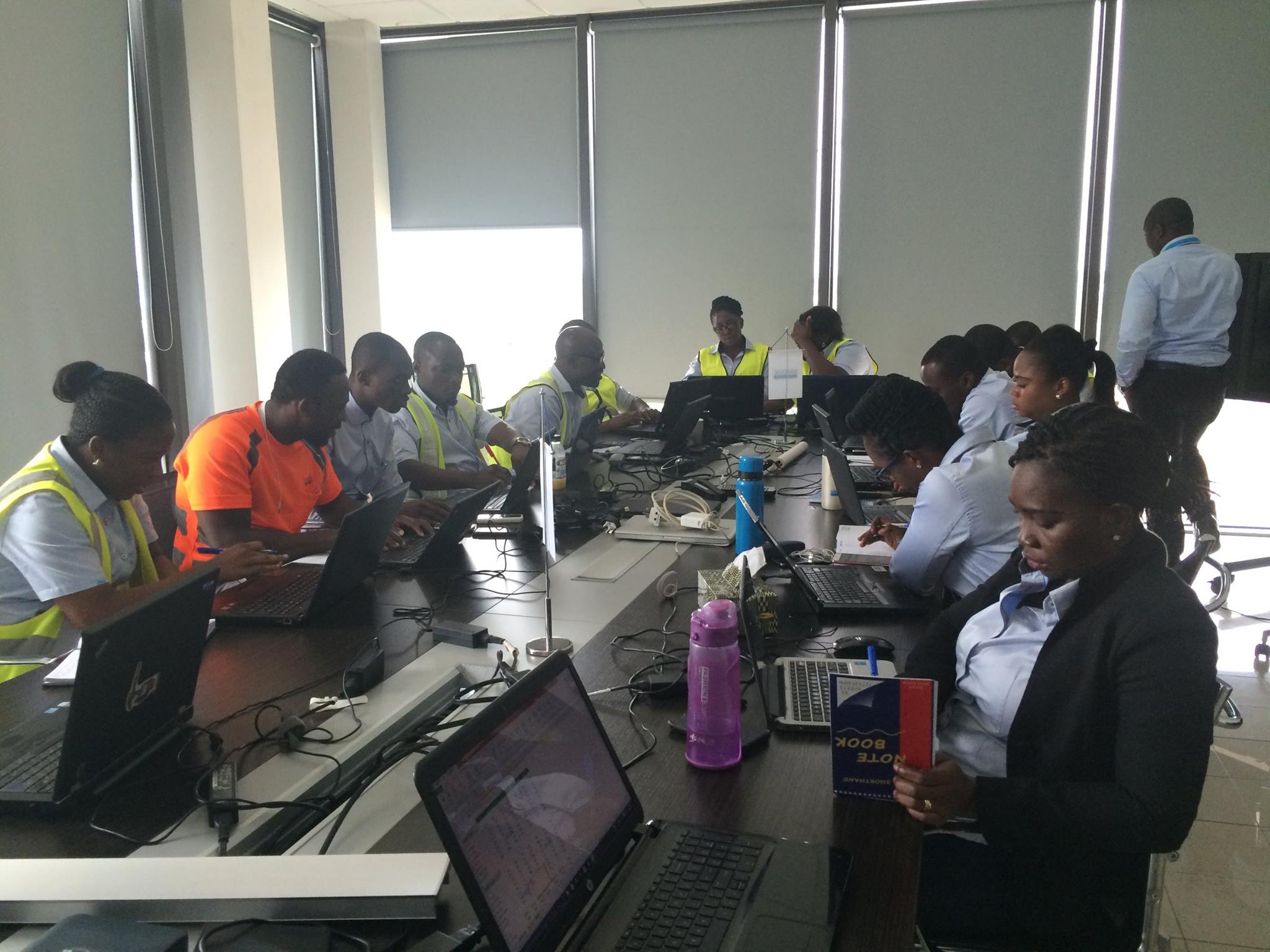
Training Gallery

How The Learning Experience Feels

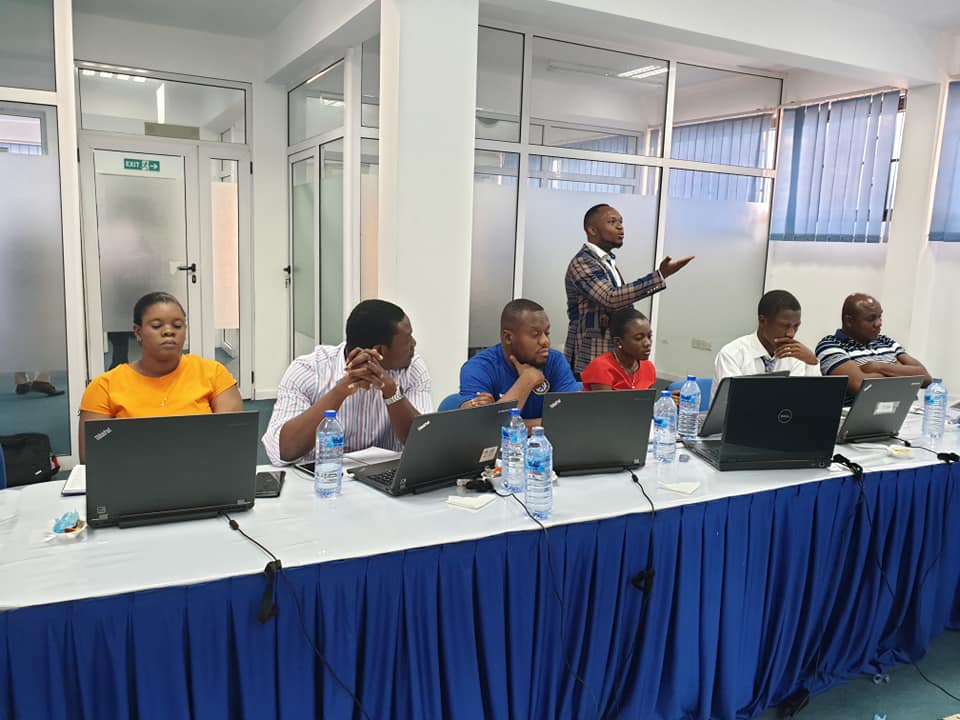
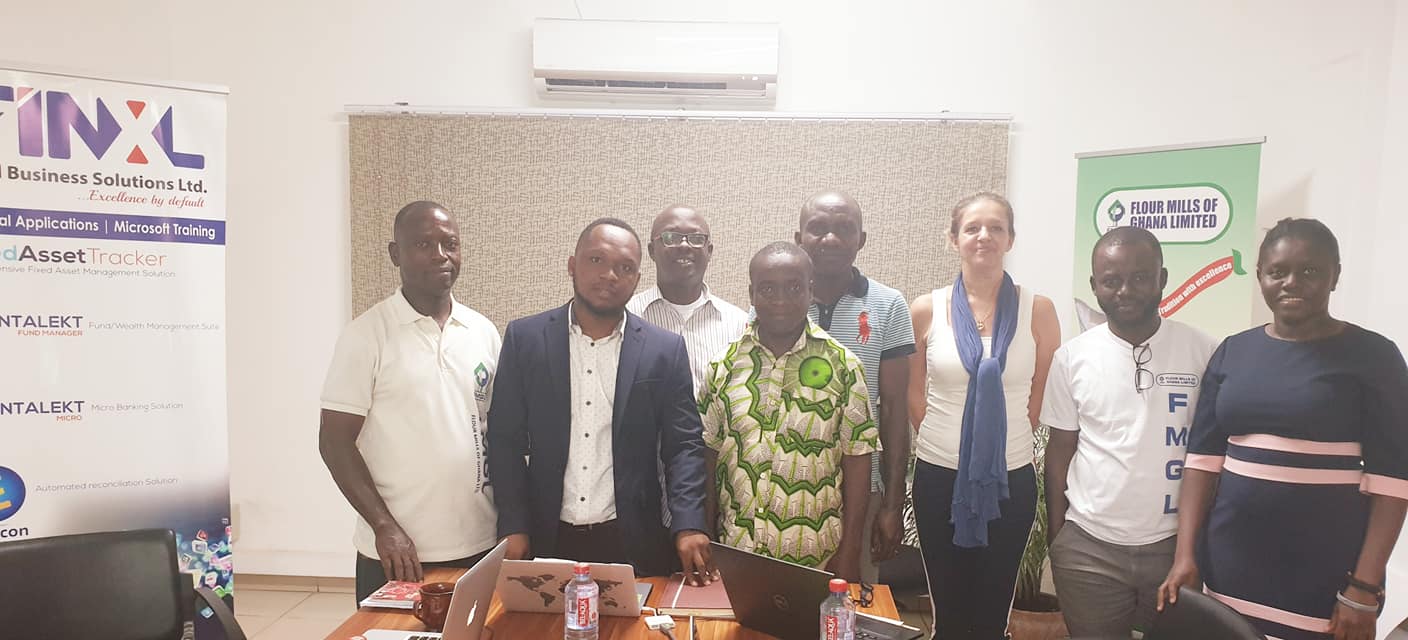
Every session is built around practical spreadsheets, guided exercises, and job-relevant reporting tasks.

Testimonials

What Teams Say After Training

Feedback consistently highlights practical delivery, confidence gains, and immediate workplace impact.

“

The training was practical from the first hour. Our team immediately cleaned up reporting files and reduced manual rework.

Outcome: faster weekly reporting and better spreadsheet consistency across the team.

Ama Boateng

Operations Coordinator, Regional Services Team

“

What stood out was the balance between foundations and real business use cases. The pivot and lookup modules saved us hours each month.

Outcome: stronger analysis workflows and better confidence presenting numbers to leadership.

Michael Asiedu

Finance Analyst, Corporate Finance Unit

“

The sessions were easy to follow, even for colleagues who were initially nervous about Excel. Everyone left with usable templates and next steps.

Outcome: smoother staff reporting and clearer onboarding support for new team members.

Efua Mensah

HR Business Partner, People & Culture Team

Delivery Options

Choose the schedule that best fits your team:

  • 6 hrs (full-day session) per module
  • 3 hrs sessions for 2 days per module
  • 2 hrs sessions for 3 days per module

Participants receive training files and assessments. Please bring a laptop with Microsoft Excel installed.

Kwame Nunya Afari, Excel trainer and facilitator

Lead Facilitator

Kwame Nunya Afari

Corporate Excel Trainer | Data Productivity Specialist

Trained 2,000+ managers and professionals across Ghanaian corporate teams.

Contact: +233 558358446

View LinkedIn Profile

About the Facilitator

Practical Excel training shaped by real finance and reporting work

Over two decades ago, while working in the finance department of one of Ghana's leading banks, I discovered a simple yet powerful tool in Microsoft Excel, Subtotal. What seemed like a small discovery at the time dramatically reduced the hours spent on routine financial analysis and reporting. That moment sparked a deep curiosity about Excel and its ability to transform the way professionals work with data.

Since then, I have committed myself to mastering practical Excel techniques that improve productivity, simplify analysis, and support better decision-making. What began as a personal learning journey has evolved into a passion for teaching others how to work smarter with data.

Through this passion, I have trained over 2,000 managers and professionals across multiple industries in Ghana, including banking, insurance, oil and gas, energy, and construction. My training focuses on practical, real-world applications that professionals can immediately apply in their daily work.

I firmly believe that knowledge grows when it is shared. Every training session is not just an opportunity to teach, but also a chance to learn, connect, and empower professionals to unlock the full potential of tools they use every day.

Experience

20+ Years

Professionals Trained

2,000+

Industry Reach

5+ Sectors

Recent Client Exposure

Republic Bank, Prime Insurance, Sandvik Mines, VRA, Forms Capital, Ministry of Local Government, Jayset Consultancy, FMGL, and Jelcem Construction.

Request Training or Assessment

Share your details and we will follow up with the right training or internal assessment plan.